Contents
- 01The two reprint routes — keepsakes vs. ID photos
- 02The shared flow across all 5 chains (30 seconds with a QR code)
- 03Reprinting keepsake photos — Photo Copy ¥80
- 04Reprinting ID photos — 4 frames via Photo Print at ¥30
- 05All 5 chains, side by side
- 065 cases where reshooting beats reprinting
- 07How to reprint an old photo with no negative or data
- 08What to do when the reprint won’t work
- 09FAQ
In Japan, “I want a few more copies of a keepsake photo,” “I’m four photos short for my resume” — a photo studio runs about ¥2,000 per sheet, and a home printer costs tens of thousands of yen to set up. At the convenience store (konbini) nearby you can get nearly the same finish for¥30–¥80 per print, 24 hours a day, 365 days a year.
That said, there are points that trip people up in the store — “Seven can’t reprint onto photo paper,” “there are two price tiers, ¥30 / ¥80.” This article sorts outthe two routes (keepsake photos and ID photos), and the prices, operation and limits across 5 chains, and closes with the 5 cases where “reshooting beats reprinting.” For the basic operation, seeour convenience-store printing guide.
The two reprint routes — keepsakes vs. ID photos
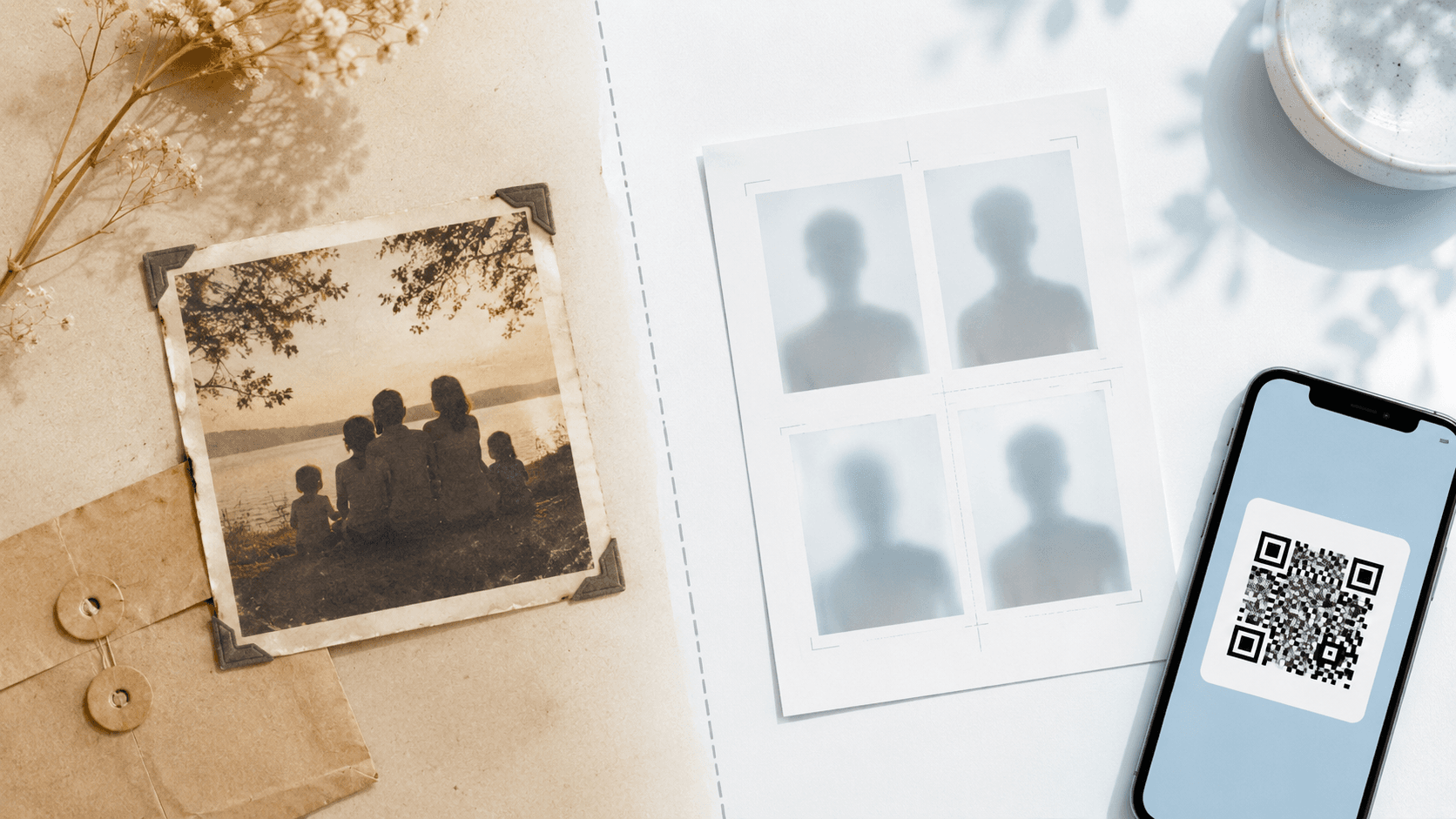
Even though we lump it all under “photo reprinting,” at a Japanese convenience store the service you use splits sharply depending onwhether the original is paper or digital data.
What confuses many users is that these two routes are set up as separate menus inside the same multi-copy machine. Even on Yahoo! Chiebukuro, there are still plenty of posts from people who got stuck trying to reprint a photo at Seven-Eleven.
Urgent! I want to reprint a photo from a photo, and I’m planning to do it at Seven-Eleven. I understand you can’t reprint it and it ends up as a copy — but does the copied photo end up on copy paper?!
The best answer to this post was: “At Seven-Eleven you can’t select photo paper when copying. At Lawson or FamilyMart there’s a ‘Photo Copy’ option, and you can copy onto photo paper.” What you can do changes dramatically depending onthe model of multi-copy machine in use. The next section sorts out that difference.
The shared flow across all 5 chains (30 seconds with a QR code)
For the ID-photo route (digital → paper), the flow is nearly the same at any of the five chains. If you have the QR code displayed on your smartphone in advance, you’ll rarely get lost inside the store.
- 1
Prepare the data or QR code in advance
When you create a photo with a printing-support tool like Ramune AI ID Photo, the QR code for printing arrives by email. Taking a screenshot gives you peace of mind if there’s a connection problem in the store.
- 2
Step up to the convenience-store multi-copy machine
At every chain, a large multi-copy machine sits in plain view right as you walk in. If you want to avoid the busy daytime hours, the late-night window tends to be emptier and lets you operate it calmly.
- 3
Select “Photo Print” or “Network Print”
The ID-photo route (printing from data) proceeds from this menu. For the keepsake route (duplicating a paper photo), go to “Copy” → “Photo Copy,” so make your selection while checking the on-screen labels.
- 4
Have it scan the QR code, or enter the 8-digit user number
Just hold your smartphone screen up to the multi-copy machine’s scanner and the data transfers. If scanning fails, you can also type in the8-digit user number from the email by hand.
- 5
Insert payment and print
One sheet of L-size photo paper comes out. For an ID photo, cut marks (thin dashed lines) are printed, so you just cut along the lines with scissors to finish exactly to spec.
Reprinting keepsake photos — Photo Copy ¥80
A group photo from a graduation album, a wedding or Shichi-Go-San commemorative photo — there are plenty of cases whereall you have is a paper photo. Even a decades-old photo with no data or negative can be duplicated with the multi-copy machine’s “Photo Copy” feature.
Where it works — the 4 chains using Sharp models
“Photo Copy” onto photo paper is supported at the four chains that have installed Sharp multi-copy machines (the MX-3631DS and the like):Lawson, FamilyMart, Ministop and Poplar. Seven-Eleven uses Fujifilm Business Innovation models and does not support copying directly onto photo paper (output onto plain paper is possible).
Price and size
| L-size (89×127mm) | ¥80 / sheet | The most common size |
|---|---|---|
| 2L-size (127×178mm) | ¥220 / sheet | A size suited to framing |
Revive old photos with fade correction
Some Sharp multi-copy machine models have a color-adjustment feature calledfade correctionfor Photo Copy. It’s a mechanism that automatically lifts the colors of photos that have faded from sunlight or age, and you switch it on or off just by choosing “on/off” on the settings screen. It isn’t a full restoration, but even with a photo from 20-plus years ago that has noticeable yellowing or fading, it can sometimes output more vividly than the original — a handy feature for organizing family photos.
Know the limits of image quality, too
Photo Copy is convenient, but in return one generation of quality loss versus the originalis unavoidable. The difference may be hard to spot from a distance, but placed next to the original, differences in color and contrast appear. Yahoo! Chiebukuro still gets posts from people worried about image quality.
When I want to reprint a printed photo, does it come out nicely on a convenience store copy machine?
Answer (best answer): “That’s a copy, not a reprint. The paper is flimsy copy paper, too, so it won’t come out nicely.” — But this is a case of duplicating onto plain paper via Seven-Eleven’s “Copy” menu; output a “Photo Copy” onto photo paper on a Sharp machine and the result is very different.
For important keepsake photos, the basic rule is tokeep the original and limit duplication to one generation. If you want even higher quality, consider the scan → digitize route covered later in the “Reprinting with no negative” section.
No ID-photo data? Create a full sheet for ¥200
You don’t have the data from when the photo was taken, the size is wrong for your purpose, or you want to change your expression — in these cases, reshooting ends up being faster in the end. With one ¥200 payment you can reshoot as many times as you like, and an L-size 4-frame sheet is generated automatically. You pay only after confirming the result, and it comes with a refund guarantee if it doesn’t pass the spec.
Remake the data itself for ¥200Reprinting ID photos — 4 frames via Photo Print at ¥30
Resumes, job-hunting entry sheets, various application forms, a child’s exam application — the moments when you need an ID photo arrive suddenly. Even in a case like “I handed them all out at a March briefing and needed four more in April,” if you have the digital data you received when the photo was taken, you can immediately output at a convenience storean ID photo with four frames arranged on one L-size sheet (¥30–¥40).
Where it works — all 5 chains
Reprinting an ID photo (Photo Print) is available regardless of the machine model at all five chains:Seven-Eleven, Lawson, FamilyMart, Ministop and Poplar. The differences lie in the finer points of price and image quality.
| Seven-Eleven L-size | ¥40 / sheet | Fujifilm-made, neutral color reproduction |
|---|---|---|
| Lawson L-size | ¥30 / sheet | Sharp-made, skin-tone correction kicks in easily |
| FamilyMart L-size | ¥30 / sheet | Sharp-made, same spec as Lawson |
| Ministop L-size | ¥30 / sheet | Sharp-made, shares models with the Lawson group |
| Poplar L-size | ¥30 / sheet | Sharp-made, shared with Lawson-affiliated stores |
| 2L-size | Seven ¥100 / other 4 chains ¥80 | For larger displays and framing |
4-frame printing for ¥30–¥40 per sheet — the standard layout for resume-size photos
When you create an ID photo with a printing-support tool like Ramune AI ID Photo, a layout withthe same photo arranged in four frameson an L-size sheet is generated automatically. Cut marks (thin dashed lines) are printed, so you just cut along them with scissors to get four resume-size ID photos.
The approach of putting four frames on one sheet isthe most cost-effective reprint route for “job hunters who have the data”. Even a student applying to 10–20 companies works out to needing just 1–2 L-size sheets.
What to do if you’ve lost the data
You can’t find the USB or email you received when the photo was taken, the studio went out of business, or the photo booth’s (speed-photo) data-retention period has passed — in cases like these, there’s also the method of “re-photographing your paper photo with a smartphone to turn it into data,” but it isn’t recommended. The reason is simple:ID photos made right at the edge of the spec are vulnerable to quality loss. The 1mm-level face position and the purity of the white background shift slightly when run through a copy. In the next “reshooting” section, we sort out why reshooting ends up being faster after all.
All 5 chains, side by side
Summarizing everything so far onto a single sheet looks like this.
| Seven-Eleven | Photo Print ¥40 / Photo Copy not available | Fujifilm machines · approx. 21,700 stores nationwide |
|---|---|---|
| Lawson | Photo Print ¥30 / Photo Copy ¥80 | Sharp machines · approx. 14,700 stores nationwide |
| FamilyMart | Photo Print ¥30 / Photo Copy ¥80 | Sharp machines · approx. 16,400 stores nationwide |
| Ministop | Photo Print ¥30 / Photo Copy ¥80 | Sharp machines · approx. 1,820 stores nationwide |
| Poplar | Photo Print ¥30 / Photo Copy ¥80 | Sharp machines · centered on western Japan |
| Supported sizes | L-size / 2L-size / square | Cheki and postcards vary by store |
| Operating hours | Generally 24 hours, 365 days | Brief stops during maintenance windows |
| Fade correction | Supported on the 4 Sharp-machine chains | A feature that lifts the colors of old photos |
5 cases where reshooting beats reprinting
When you’re considering reprinting an ID photo, if any of the following five apply,reshooting (taking a new photo and reprinting it) ends up paying off in both time and cost.
Reshooting sounds expensive, but with an AI tool it’s¥200 for unlimited reshoots. Add a ¥30–¥40 convenience-store print and it’s¥230 total. That’s less than half the cost of a photo booth (¥700–¥1,500) and a fraction of a photo studio (¥1,500–¥10,000).
A simple design: reshoot ¥200 + reprint ¥30 = ¥230 total
A new shoot is ¥200, one time; reprints after that are L-size ¥30–¥40 at a convenience store. Reshooting is free as many times as you like after payment, and because the data is saved, a later additional print is done with a single QR code.
Create one easily for ¥200How to reprint an old photo with no negative or data
“I want to split a photo of my late grandfather in his youth among my siblings,” “I want to give my mother a photo from a wedding album” — when reprinting an old photo with no negative or data,switching to the route of digitizing the original once and then printingsolves both long-term storage and multiple-copy output at the same time.
Once digitization is done, reprint costs drop sharply — L-size ¥30–¥40 with a convenience store “Photo Print,” or ¥6–¥10 per L-size sheet with a netprint service. What’s more, once it’s data, you can print it at the same quality 10 or 20 years from now, making it a good way to preserve memories for the long haul.
What to do when the reprint won’t work
When a reprint won’t come out right on a convenience store multi-copy machine, the cause almost always boils down to the following four patterns.
I want to reprint a photo, but I’ve never managed it on Seven’s multi-copy machine. I want to go from a photo to a photo, but it shows “Please insert media.”
Answer (best answer): Choose “Photo Copy” within the “Copy” menu. Choosing “Photo Print” treats it as printing from data. — But at Seven-Eleven, the output for Photo Copy is limited to plain paper.
Related links
- Convenience-store printing steps
- All 5 konbini chains compared
- Job-hunting photos & recruiters’ honest take
- Why 80% of My Number photos fail
- 12 passport rejection patterns
- All 105 supported specs
- Pricing details
FAQ
Can I get a photo reprinted at Seven-Eleven?
What’s the difference between Photo Copy and Photo Print?
How much does image quality drop when I reprint an old photo?
How do I reprint an ID photo for a resume?
How old can a photo be and still be usable?
How can I reprint an old photo when I have neither the negative nor the data?
Create, print and reprint — every step, from ¥230
One payment gets you data you can use for a long time, and you just repeat the ¥30–¥40 convenience-store print whenever you need it. For ¥200 you can set up a foundation that covers every printing need — family photos, graduation photos, ID photos.
Create yours now (¥200)Facts in this article are verified against primary official sources before publication.