Contents
In Japan, a photo studio runs ¥1,500–10,000 and a station booth ¥700–1,500, and most of that cost is the shooting fee. Shoot it yourself, print it at a convenience store multi-copy machine: over the last few years this has become the go-to route for keeping the cost down.
This article compares Seven-Eleven, Lawson, FamilyMart, Ministop and Poplar across their machines, prices, QR-code support and operation, and explains how to pick the best store. For the step-by-step operation, see our convenience-store printing guide.
Why the convenience store became the standard route for ID-photo printing
From the late 2010s onward, multi-copy machines were updated en masse, and their resolution, color reproduction and QR-code support all improved dramatically. Today almost every store can output L-size photo paper at ¥30–¥40 per sheet.
There are three big advantages for the user.
The shared flow — 30 seconds with a QR code
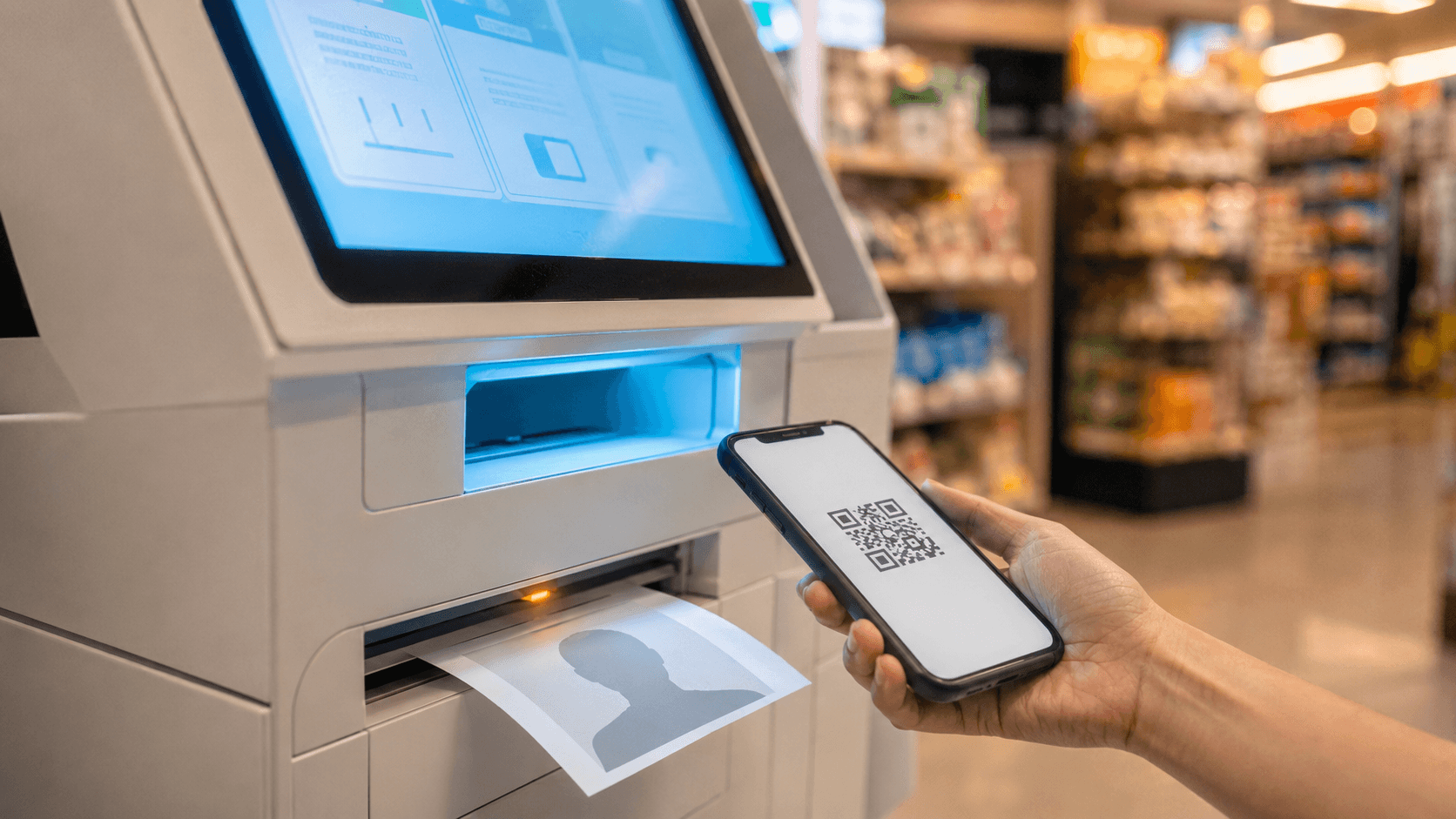
At any Japanese convenience store (konbini) the flow is nearly the same. If you’ve already created the photo with an AI tool and have the QR code ready on your smartphone, you’ll rarely get lost inside the store.
- 1
Have the QR code ready on your smartphone in advance
When you create a photo with Ramune AI ID Photo, the QR code for printing arrives by email. Taking a screenshot of it gives you peace of mind.
- 2
Step up to the convenience-store multi-copy machine
At every chain, a large multi-copy machine sits in plain view right as you walk in. During the day you may overlap with other users, so late at night tends to be smoother.
- 3
Select “Network Print” or “Photo Print”
From the menu screen, choose the QR-code option. The name differs by chain, so refer to the per-chain guide below.
- 4
Have it scan the QR code
Just hold your smartphone screen up to the machine’s scanner. As a fallback, you can also type in the 8-digit user number by hand.
- 5
Insert payment and print
One sheet of L-size photo paper comes out. The sheet has cut marks, so you just trim along them with scissors — at home or on the spot — to finish to spec.
Machine, traits and operation differences by chain
The multi-copy machines at the five chains are mostly either Sharp or Fujifilm. Because the operation screens and menu names differ by chain, here’s a rundown of each one’s traits so you don’t get thrown off.
Seven-Eleven — ≈ 21,700 stores nationwide, Fujifilm multi-copy machines
With about 21,700 stores as of 2025, it’s the industry’s largest player, covering not just urban areas but rural arterial roadsides too. Its multi-copy machines are mostly made by Fujifilm Business Innovation, and the home screen lines up options like “Copy,” “Photo Print,” “Network Print” and “Document Print,” so first-time users can get confused. But when using a QR code, you just select “Network Print” to proceed. Once you’re used to it, it’s done in under 30 seconds. The L-size price is ¥40.
FamilyMart — ≈ 16,400 stores nationwide, Sharp multi-copy machines
It has about 16,400 stores as of 2025. The multi-copy machines are mostly Sharp-made, and the operation screen is the same as Lawson’s. Late at night there are relatively few users, so even an urgent print is unlikely to involve a wait. The L-size price is ¥30.
Lawson — ≈ 14,700 stores nationwide, standardized on Sharp
It has about 14,700 stores as of 2025. Across 2020–2021 it updated the multi-copy machines at stores nationwide to Sharp models (MX-3631DS), and the machines are now almost fully standardized. The operation screen is the same as FamilyMart’s, and you can also print via Sharp’s “PrintSmash” app. The L-size price is ¥30.
Ministop — ≈ 1,820 stores in Japan, same models as the Lawson group
It has about 1,820 stores in Japan as of 2025. The multi-copy machines are the same Sharp models as Lawson, and the operation screen is nearly identical. Although it has fewer stores than the others, it’s known as a quiet late-night option, centered on the Kanto and Kansai regions. The L-size price is ¥30.
Poplar — centered on western Japan, the Lawson tie-up at a turning point
In 2020, Poplar signed a joint-business agreement with Lawson and proceeded to convert many of its stores to “Lawson Poplar” or “Lawson.” In August 2025 the capital and business alliance ended, and it has now shifted to a business-tie-up arrangement. Poplar-only stores number in the several hundreds, concentrated in the Chugoku and Kyushu regions. Converted stores have been replaced with the same Sharp models as Lawson, and the L-size price is ¥30.
All 5 chains, side by side
The main specs of the five chains’ multi-copy machines, summarized on a single sheet, look like this.
| Seven-Eleven | ≈ 21,700 stores / Fujifilm | Nationwide network, largest share |
|---|---|---|
| FamilyMart | ≈ 16,400 stores / Sharp | Industry No. 2 |
| Lawson | ≈ 14,700 stores / Sharp | Standardized on Sharp nationwide |
| Ministop | ≈ 1,820 stores / Sharp | Easy to use in Kanto & Kansai / Lawson-group models |
| Poplar | Several hundred stores / Sharp | Models unified via the Lawson tie-up |
| L-size price | Seven ¥40 / other 4 chains ¥30 | Varies by chain |
| 2L-size price | ¥80 – ¥100 | Seven ¥100, other 4 chains ¥80 |
| Operating hours | Generally 24 hours, 365 days | Brief stops for maintenance |
A QR code for Lawson, FamilyMart, Ministop & Poplar — issued for ¥200
The QR code issued by Ramune AI ID Photo works on the Sharp multi-copy machines (Network Print) at Lawson, FamilyMart, Ministop and Poplar. L-size for ¥30, 30 seconds, picked up at your nearest store.
Get a QR code for ¥200Which store to pick — 5 deciding factors
The quality is roughly the same at every store. Use the following five axes to choose the one that suits you.
4 Sharp-machine chains, 30 seconds — just open the QR code and hit print
With data created in Ramune AI ID Photo, at the Lawson, FamilyMart, Ministop and Poplar multi-copy machines you just select “Network Print,” have it scan the QR code, and printing begins.
Create one easily for ¥200When printing doesn’t work
When printing doesn’t go smoothly, the cause almost always falls into one of three patterns.
How many copies to print
The number you need varies by document.
- My Number card — 1 copy (for an online application, no print is needed; you only submit the data). If you want to avoid a reshoot due to a spec problem, see why 80% are rejected and how to fix it.
- Passport — 1 copy. It needs to meet the ICAO standard, and getting the 12 reasons for rejection down before you shoot helps you avoid a reshoot at the counter.
- Driver’s license renewal (when bringing your own photo) — 1 copy
- Résumé / job hunting — 1 copy per résumé; if you’re applying to multiple companies, 4–6 copies gives you peace of mind. How your photo is read in document screening is covered in the truth about job-hunting photos from recruiters.
- Residence card / various visas — 1–2 copies (varies by counter)
Ramune AI ID Photo’s standard sheet is laid out with four ID photos on one L-size sheet, so even when you need several — for job hunting, school documents and the like — it’s done for ¥30–¥40 in a single run.
Related articles
- Convenience-store printing steps
- Why 80% of My Number photos fail
- 12 passport rejection patterns
- Job-hunting photos & recruiters’ honest take
- Photo reprints: the konbini guide
- All 105 supported specs
- Pricing details
FAQ
Which convenience store is the cheapest to print at?
Can I print in the middle of the night?
Does the QR code work with any app?
Do I have to cut the photo with scissors right after printing?
Can I print the same photo in both L-size and 2L-size?
From ¥230 — a sensible route at 1/10 the ¥3,000 photo studio
From ¥230 total: ¥200 to create plus ¥30–¥40 for the L-size print. It’s far cheaper than a photo studio (¥3,000–¥10,000) or a station booth (¥700–¥1,500), and thanks to the adjustment screen the quality holds its own against a studio. You can confirm the result before you pay, so there’s no failed run, and it comes with a refund guarantee if it doesn’t pass the spec.
Create yours now (¥200)Facts in this article are verified against primary official sources before publication.