Contents
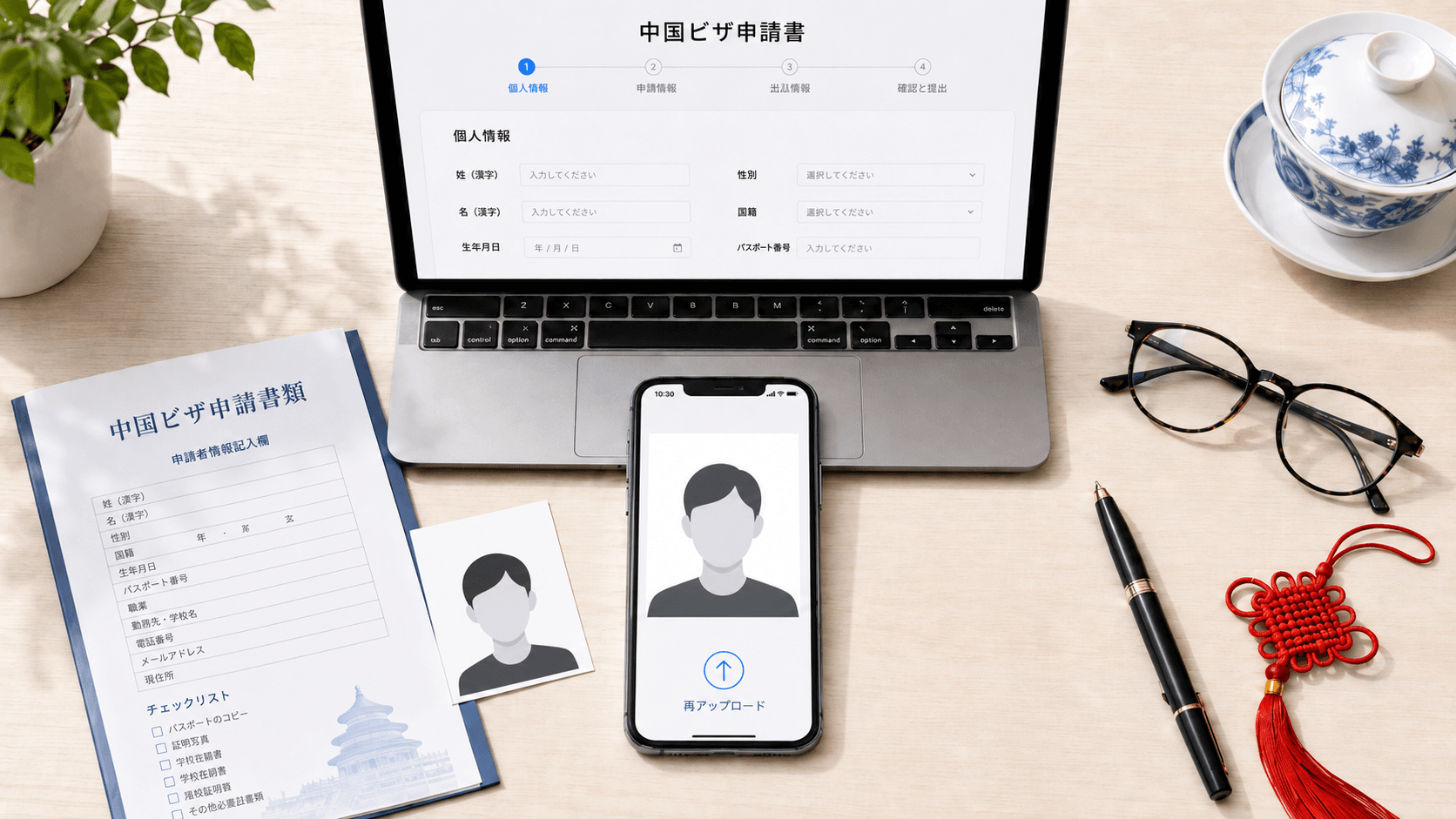
If you live in Japan and need a China visa — for business, a family visit, or travel — you most likely apply through the online system (COVA). The step that trips people up most is uploading the photo. Many people try several times, get an “invalid” message each time, and can’t tell what’s wrong.
The reason is that the China visa online photo has a double range requirement — on both pixels and file size — with upper limits. “Bigger and higher-resolution” is not better here. This article lays out the spec using the official sources, and shows how to get it right in one shot from a phone in Japan.
The pixel-and-byte double trap
The usual instinct for an ID photo is “the higher the resolution and the bigger the file, the clearer it is.” The China visa online photo is the opposite: width, height, and file size each have both a lower and an upper bound, and if any one of them falls outside its range the system rejects the photo.
| Width | 354 to 420 px | Too small or too large both fail |
|---|---|---|
| Height | 472 to 560 px | Too small or too large both fail |
| File size | 40 to 120 KB | Over-compressing below 40KB also fails |
| File format | JPEG | |
| Color | 24-bit RGB full color | White background |
Fail three times and you go to the center in person
Failing online isn’t just a “try again” nuisance. The Chinese Visa Application Service Center says so plainly in its official FAQ (original text in Chinese):
In other words, three failed online uploads means going to the center in person with a printed photo, for a staff member to upload. The Tokyo and Osaka visa centers are often crowded even on weekdays, and a round trip for one photo is worth avoiding. Preparing a photo that’s inside the spec beforehand is the reliable route.
Ramune exports a JPEG that lands inside 354–420×472–560px and 40–120KB. Preview the result before you pay — free.
Make a China visa photo (¥200)The full spec
The data you upload online and the printed photo you may need when submitting at the center are different specs. Both are listed below.
| Online (COVA) | Width 354–420 × height 472–560 px, 40–120KB, JPEG | 24-bit RGB, white background |
|---|---|---|
| Printed photo (counter) | 33×48mm small 2-inch, white background, no hat | Taken within 6 months |
| Head size | Crown to chin 28–33mm (print basis) | Head width 15–22mm, centered |
Ramune’s digital data is exported at 385×560px — the maximum resolution inside the window — with the file size auto-tuned into 40–120KB, so it uploads straight to COVA. The 33×48mm print for counter submission is prepared at the same time. The spec details are gathered on the China visa photo spec page.
Doing it on your phone in Japan, in 3 steps
- 1
Shoot against a white wall on your phone (no hat or sunglasses)
In a bright room, shoot from the front against a plain white wall. No hat, neutral expression, eyes on the lens. Reshoot until you’re happy with it. - 2
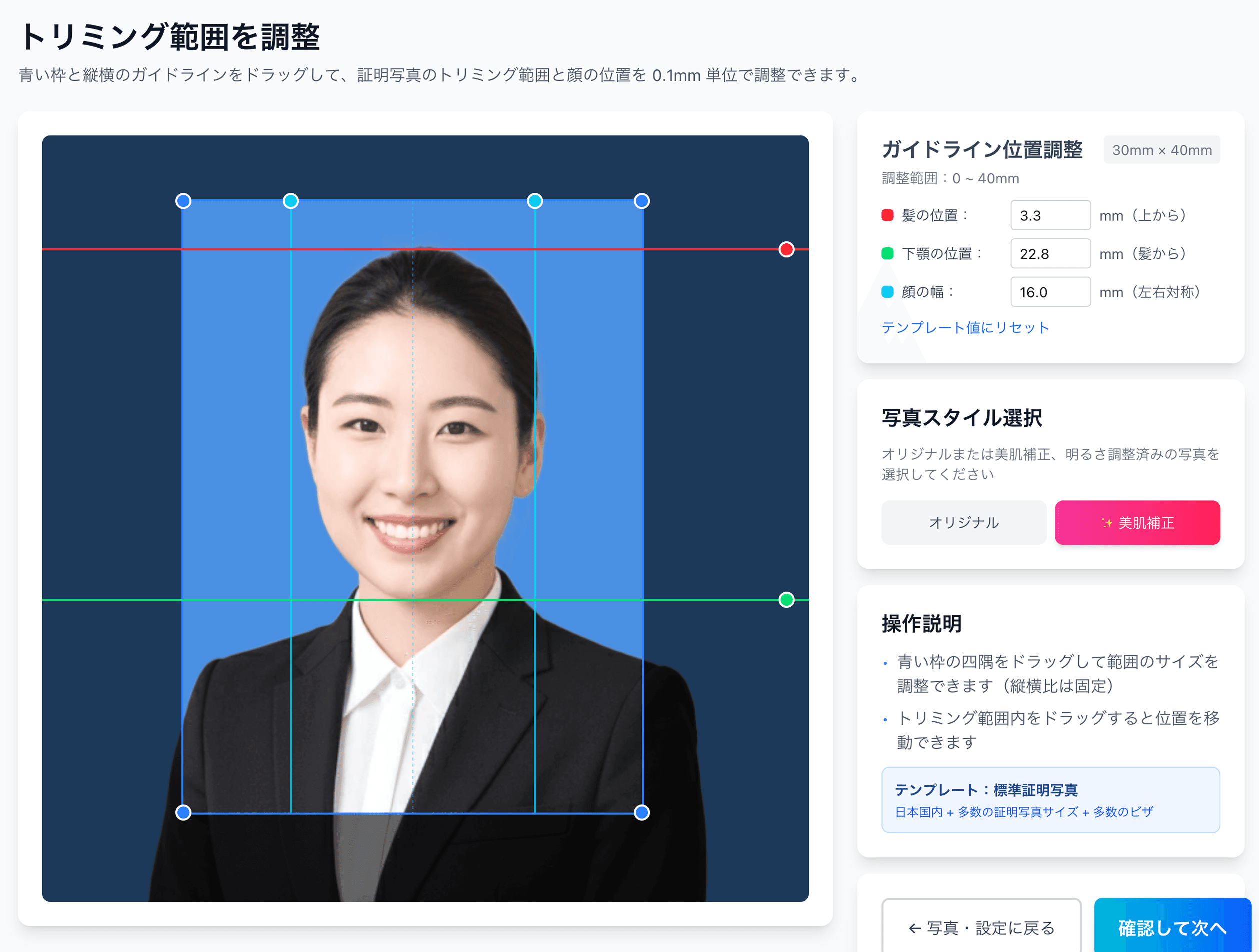
AI removes the background and fits the China spec (preview free)
Upload to Ramune and the AI replaces the background with white and adjusts the face position and size to the China visa spec. You can preview the result on screen before paying. - 3
If you like it, ¥200 — COVA data and a print QR code together
After payment you get a 385×560px JPEG within the 40–120KB range, ready to upload to COVA, plus a QR code for convenience-store printing. When you need a print for counter submission, print from ¥30 for L-size at 7-Eleven, Lawson, FamilyMart and others.
For ¥200, get both the COVA data and the printed China visa photo at once
AI removes the background and matches the face position to the CVASC spec. Preview before you pay. The online upload data (385×560px, 40–120KB) and the 33×48mm print arrive together, with a refund if it doesn’t meet spec.
Create now (¥200)FAQ
What are the photo requirements for the China visa online application (COVA)?
What happens if my photo keeps failing to upload?
Can I upload a screenshot or a normal phone photo directly?
Can I reuse my Japanese passport photo for a China visa?
Can I wear glasses in the photo?
Don’t wait until three failed uploads to prepare a photo
Uploading and checking the AI result is free. If you like it, ¥200 gets you data you can upload straight to COVA and a QR code for a convenience-store print.
Try it for freeFacts in this article are verified against primary official sources before publication.